Challenge
Since 2012, MilSec Industries has been showcasing military projects powered by its artificial intelligence around the world. But at the time, the public had no idea what the firm was really up to.
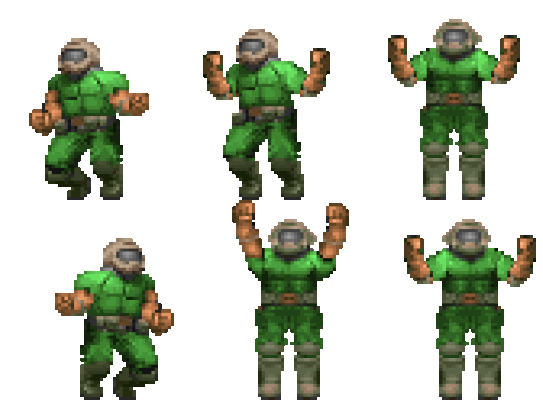
Mission: find where and at what time this photo of the weapon was taken.
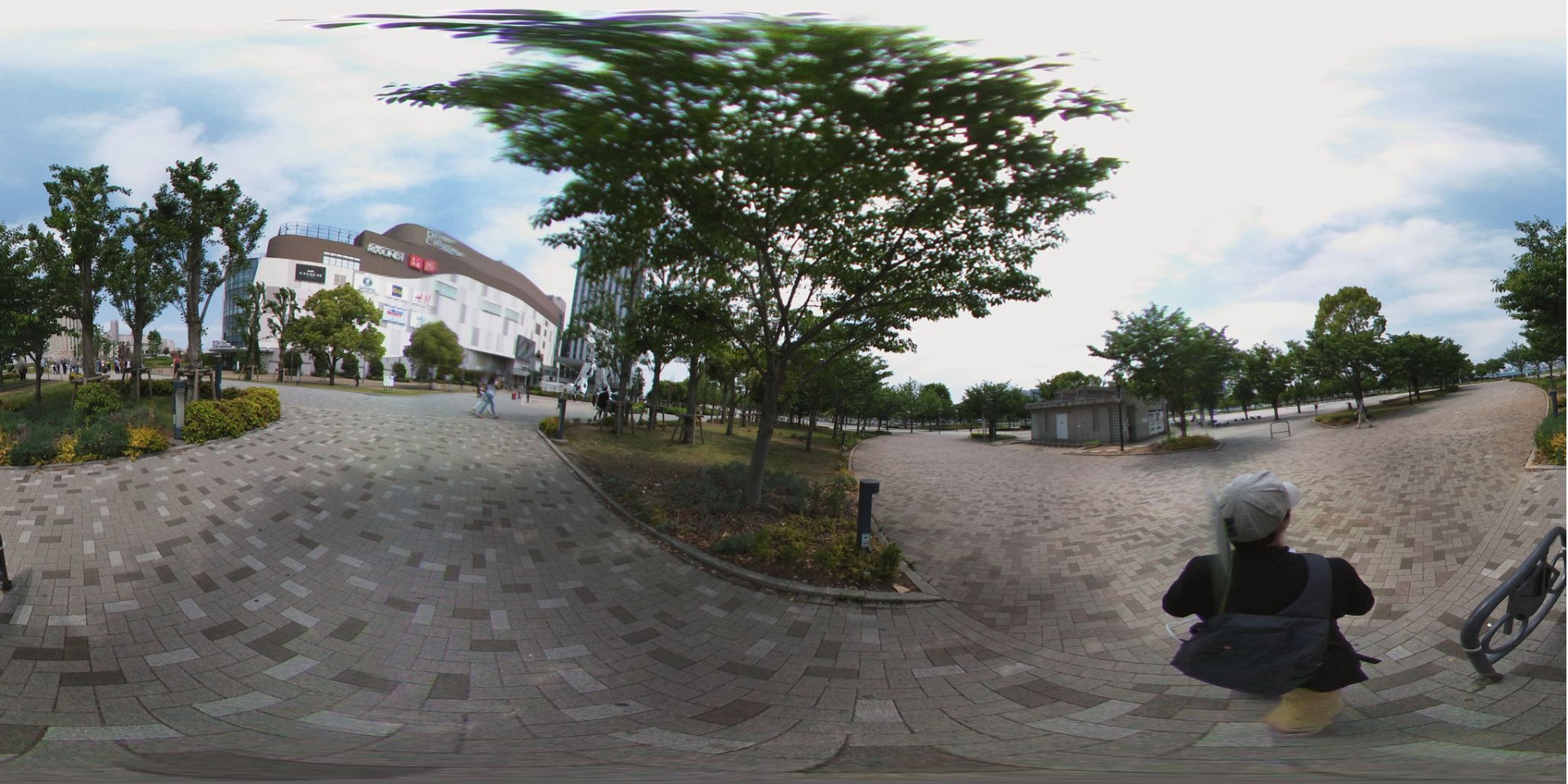
Hint: the photo was taken on May 12, 2019.
Flag format: interiut{City_hh:mm:ss:ms} (example: interiut{Issou_13:56:52:123})
Research Methodology
We start with a reverse image search to get more information about the location.
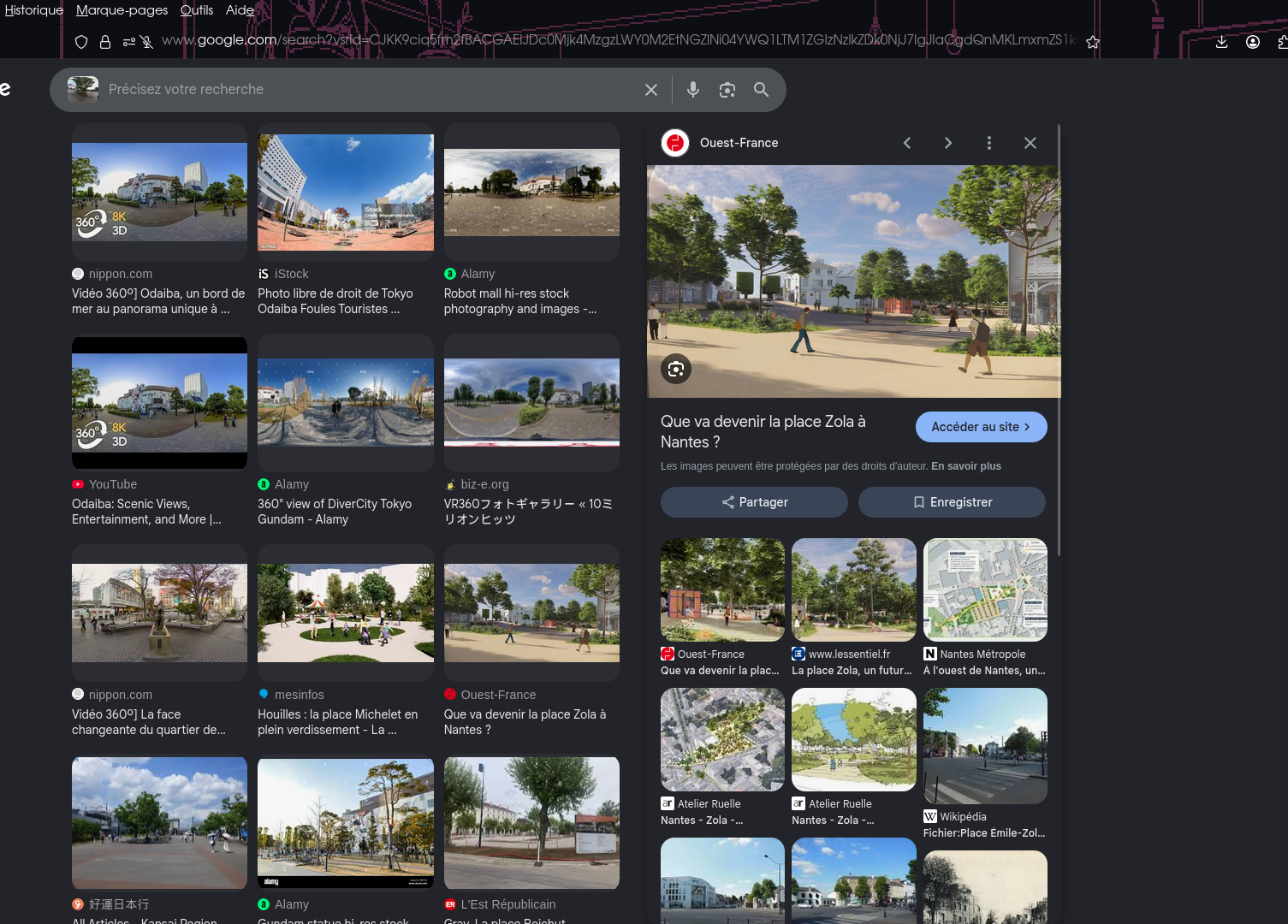
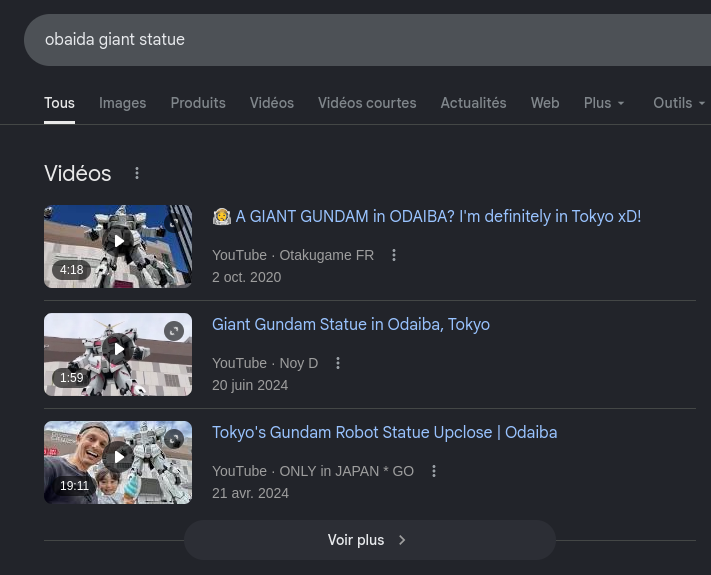
In the first results, we can find the giant statue present in the background of the image:
Next, a Google search about this huge event gives us more precise information:
If we search "Tokyo giant gundam" on Google Maps, we get a precise address:
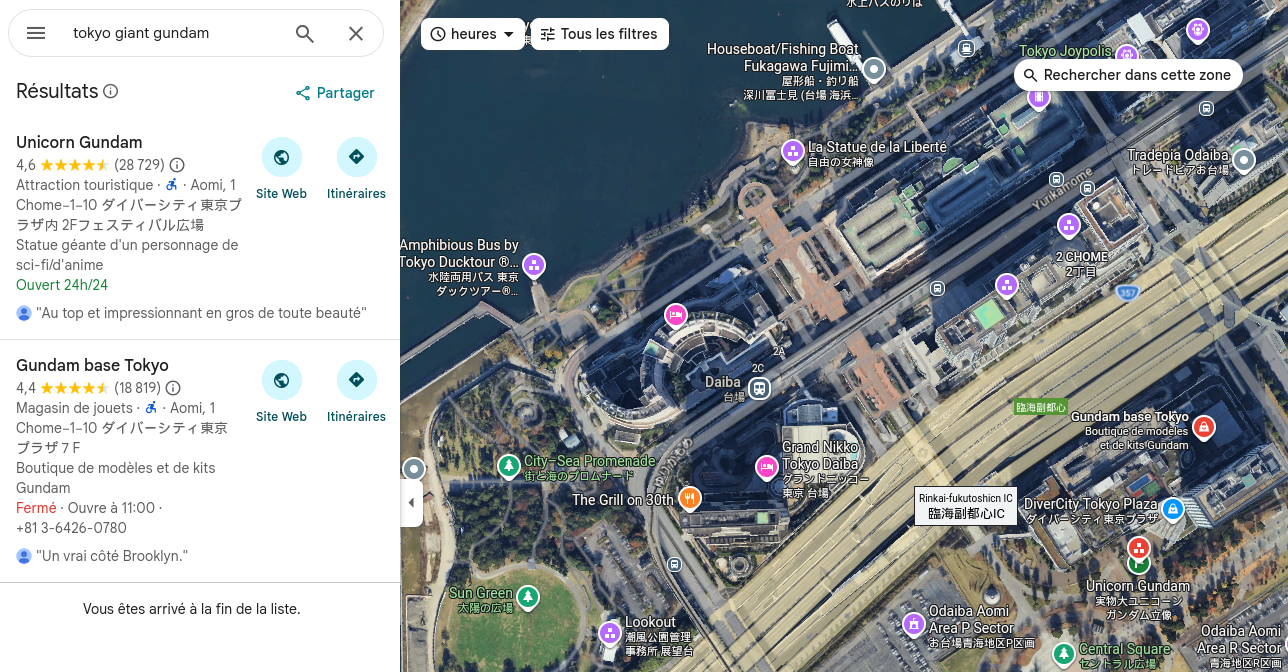
Japan, 〒135-0064 Tokyo, Koto City, Aomi, 1 Chome−1−10 ダイバーシティ東京プラザ内 2Fフェスティバル広場
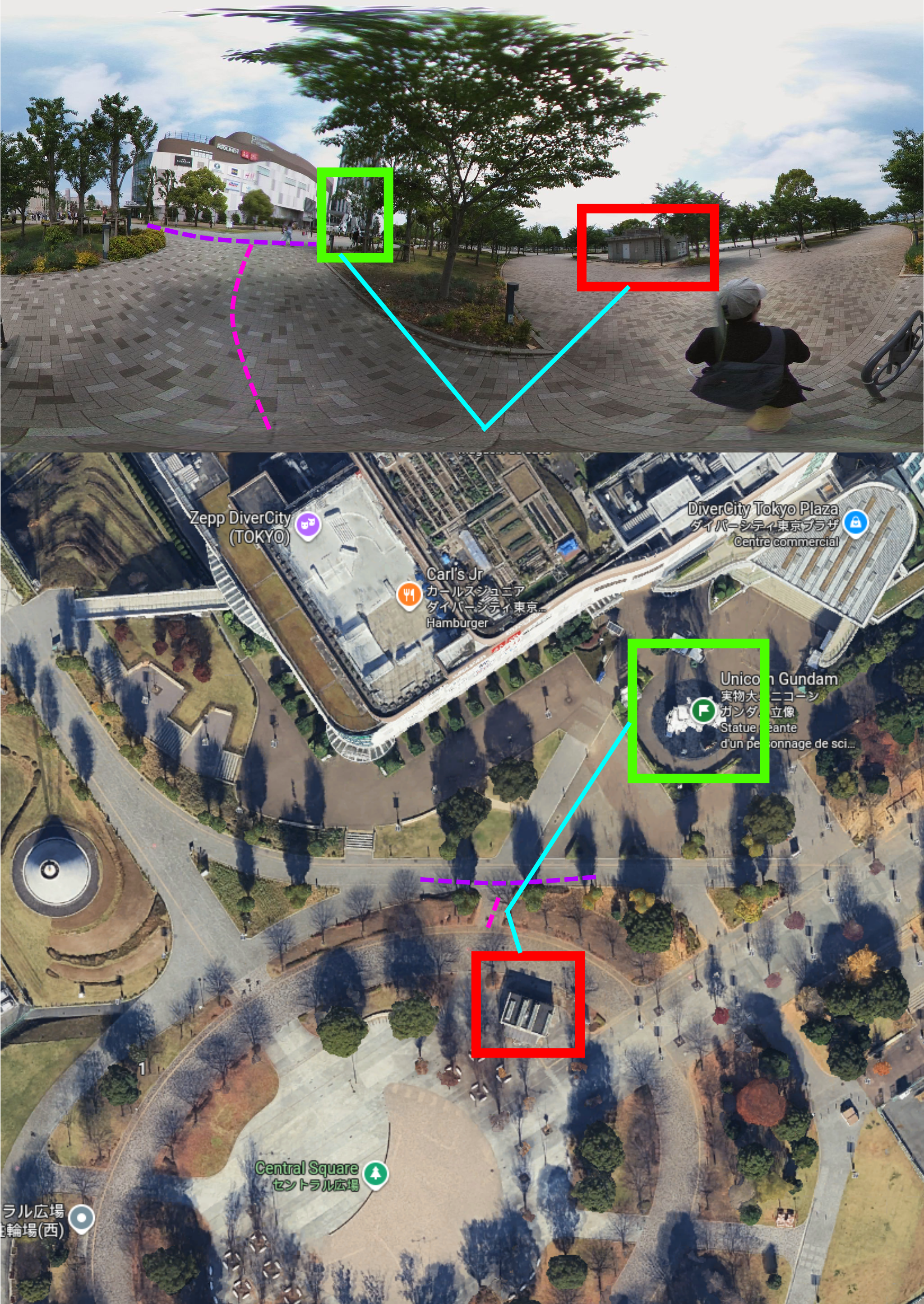
So we have an estimated location to investigate. However, the available StreetView images aren't identical:
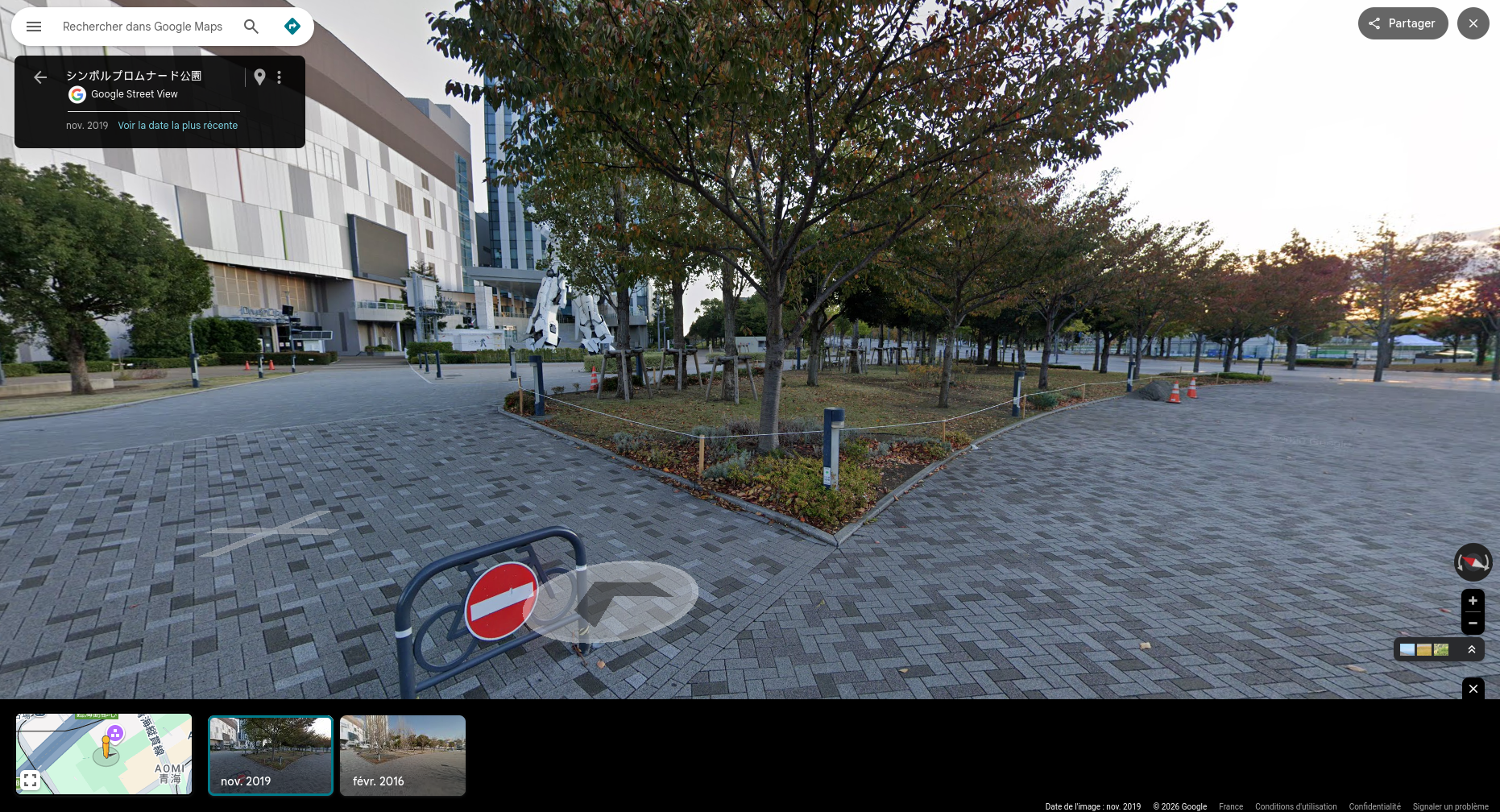
Based on the challenge's title, "Mapping where Google won't go", it's possible to guess we need to use another source of StreetView/360 images. It's possible to find numerous alternatives to Google Maps with a simple Google search:
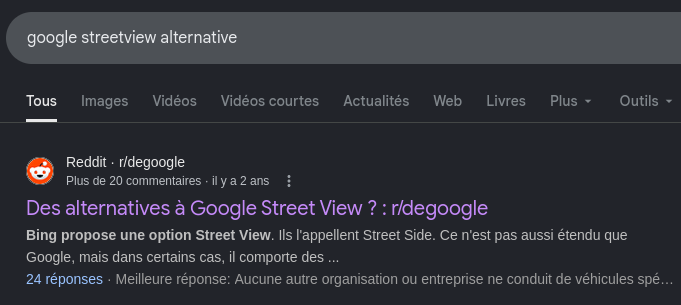
reddit.com/r/degoogle - alternatives to Google Street View

Here is a list of alternatives to Google Maps:
- Bing Maps
- Yandex Maps
- Mapillary
- ...
Since we have the location, we just need to explore the different sites offering StreetView mode. On Mapillary, we get these available StreetView images:
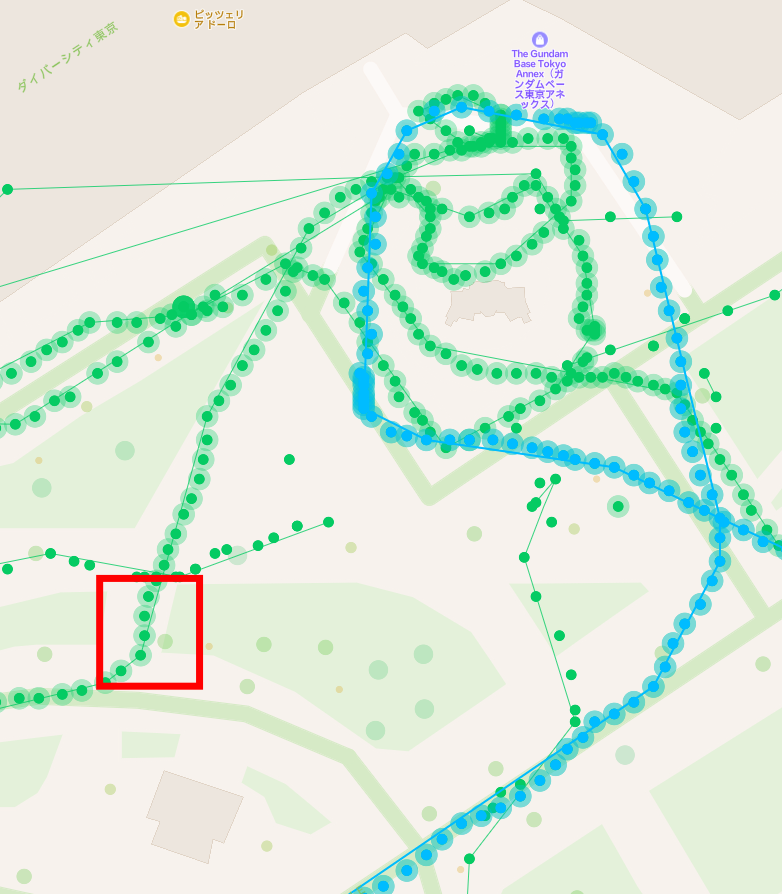
Looking at them one by one, we find the image we're looking for:
mapillary.com - matching photo
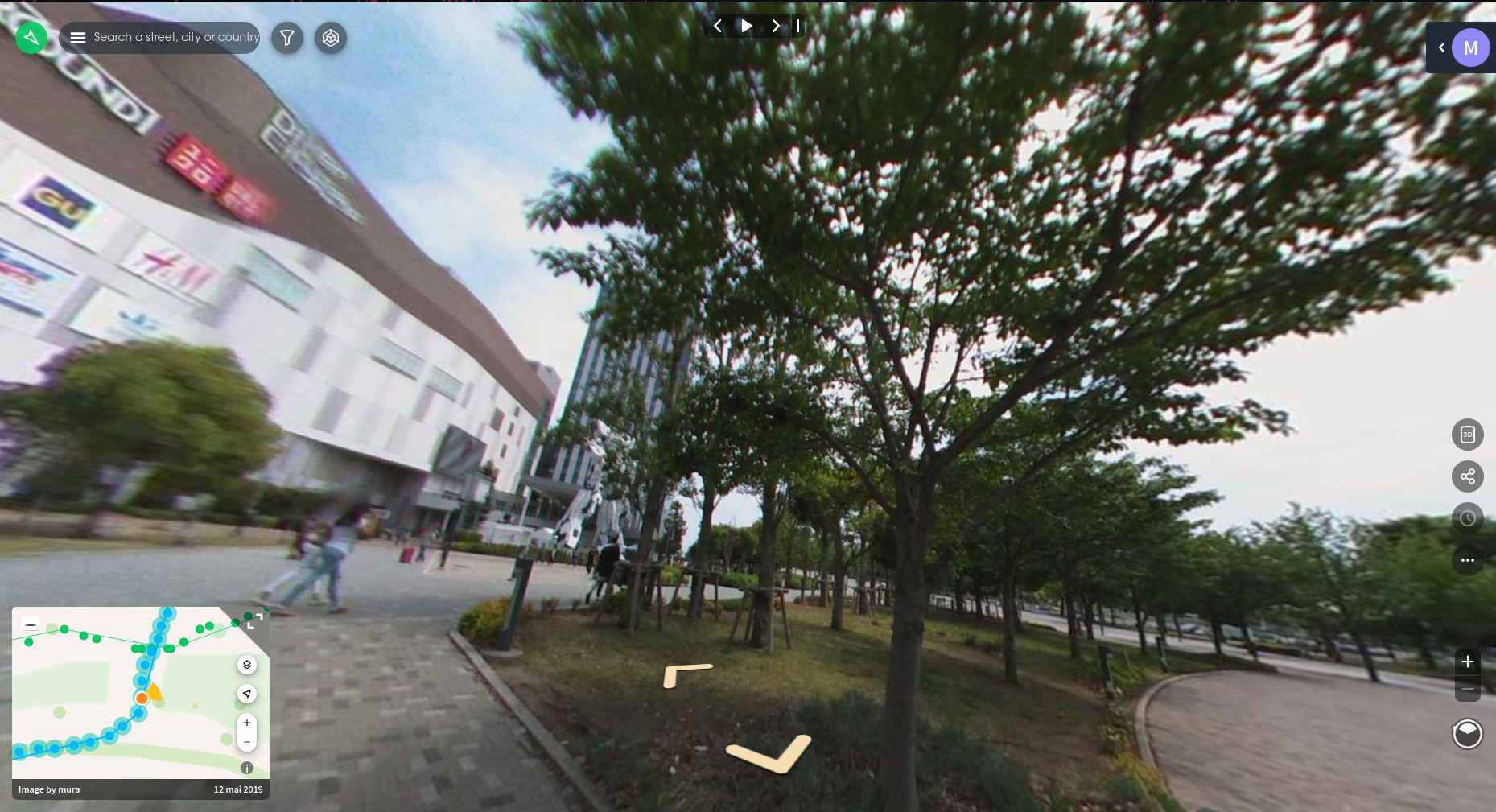
Don't forget that the provided photo is a 360 view! By going into the options (the three little dots), we can download the image to get the full view:
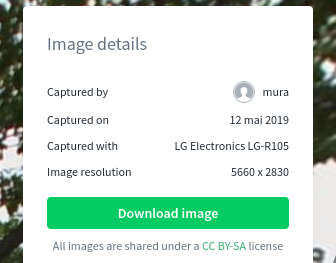
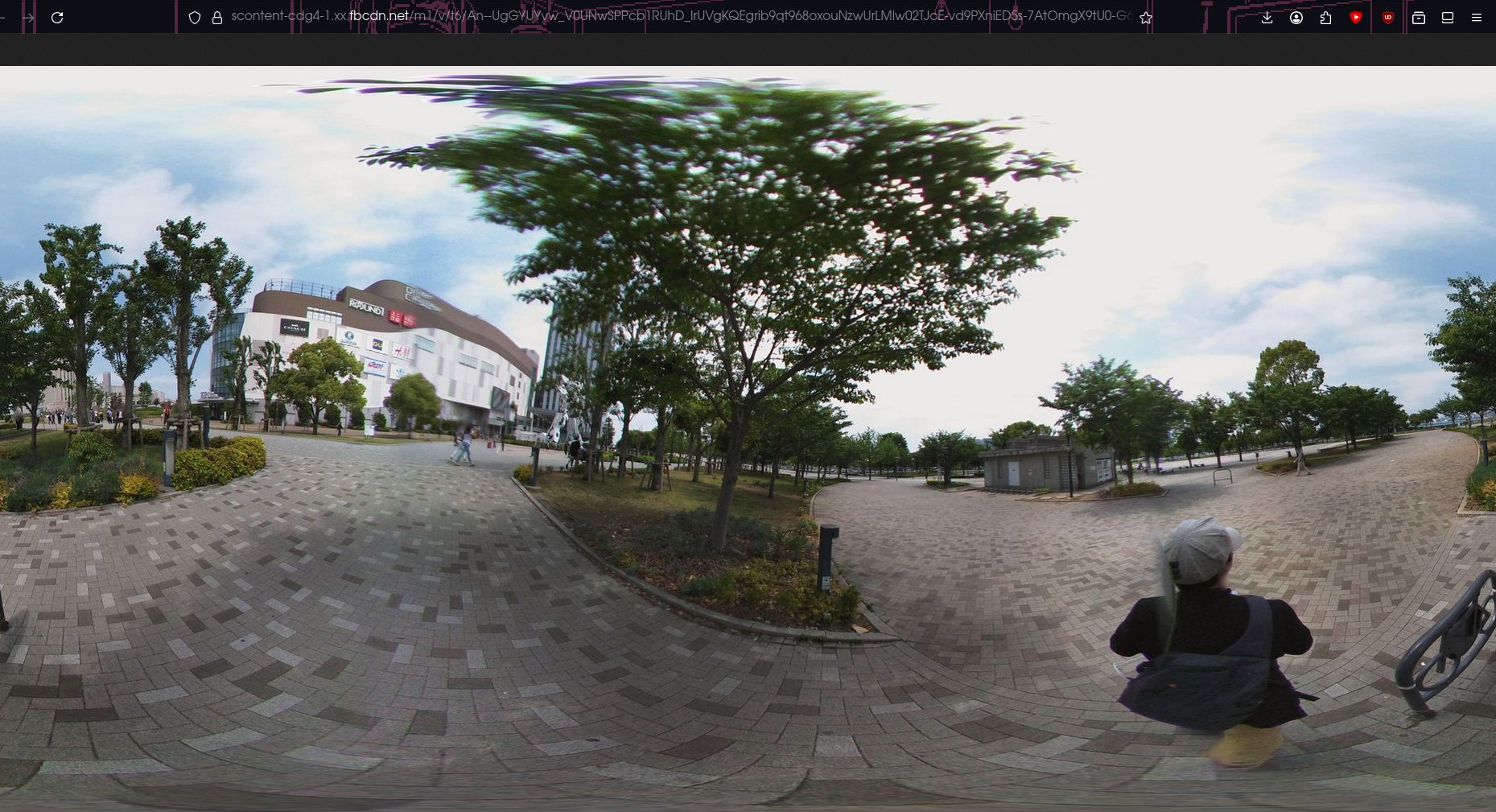
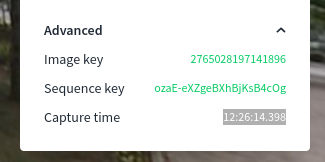
We also find the time the photo was taken: 12:26:14.398
Flag