Introduction
This writeup will present my solving method for the third OSINT challenge of the Midnight CTF. I hope you'll enjoy it! This challenge gave me the most trouble — I followed leads that weren't precise enough, which ended up leading me astray.
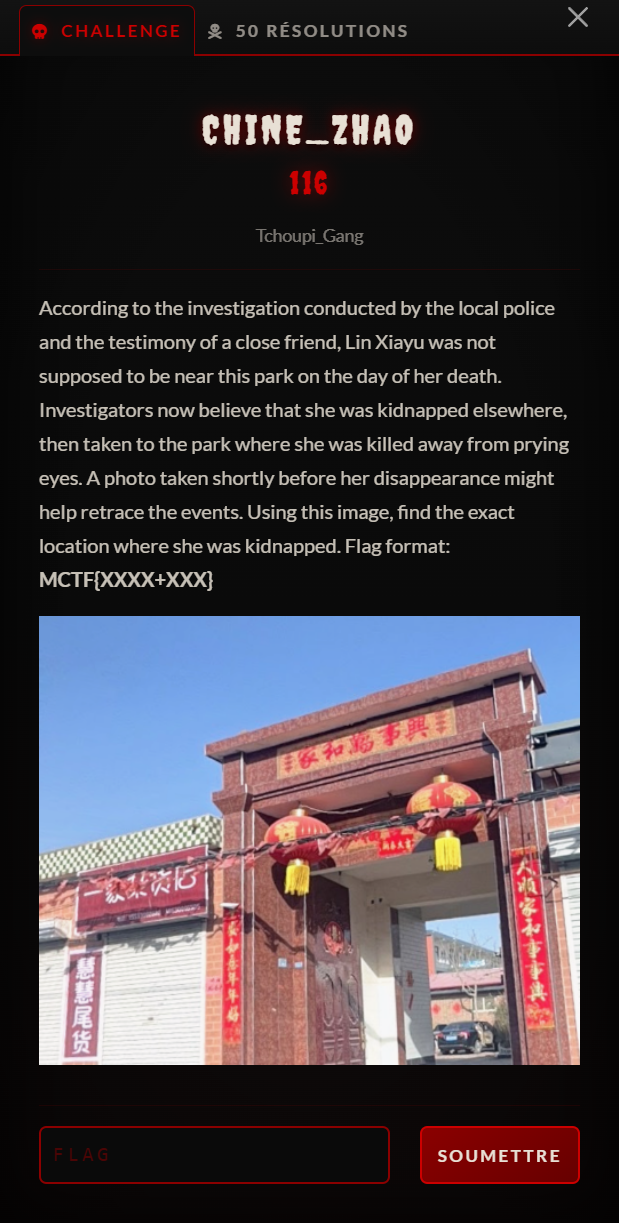
The goal of the challenge is to precisely locate a photo of a building. According to the statement, Lin Xiayu was kidnapped at this location.
Initial Research
To begin, I download the image. The name Capture_decran_2026-03-12_194349.png tells me there won't be any metadata. So I run a reverse image search with Google Images:
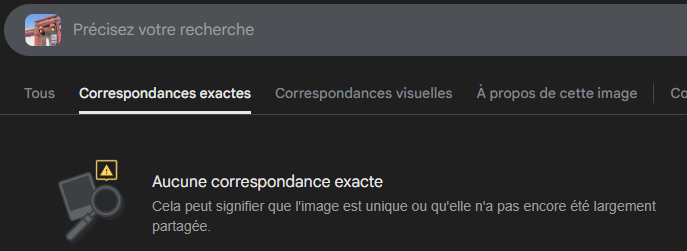
No conclusive results with Google Images. So I move on to Tineye:
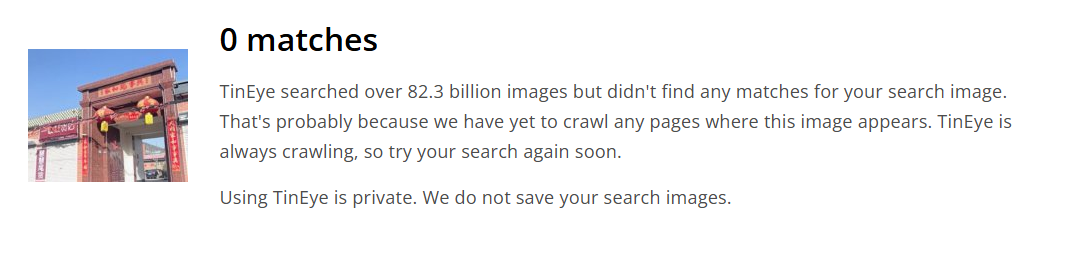
Same negative result. This doesn't surprise me too much, since this image comes from a building in China. Non-Chinese tools are therefore sometimes less powerful in our case. So I head to the Chinese Google, Baidu. More precisely graph.baidu.com.
We get about sixty results:
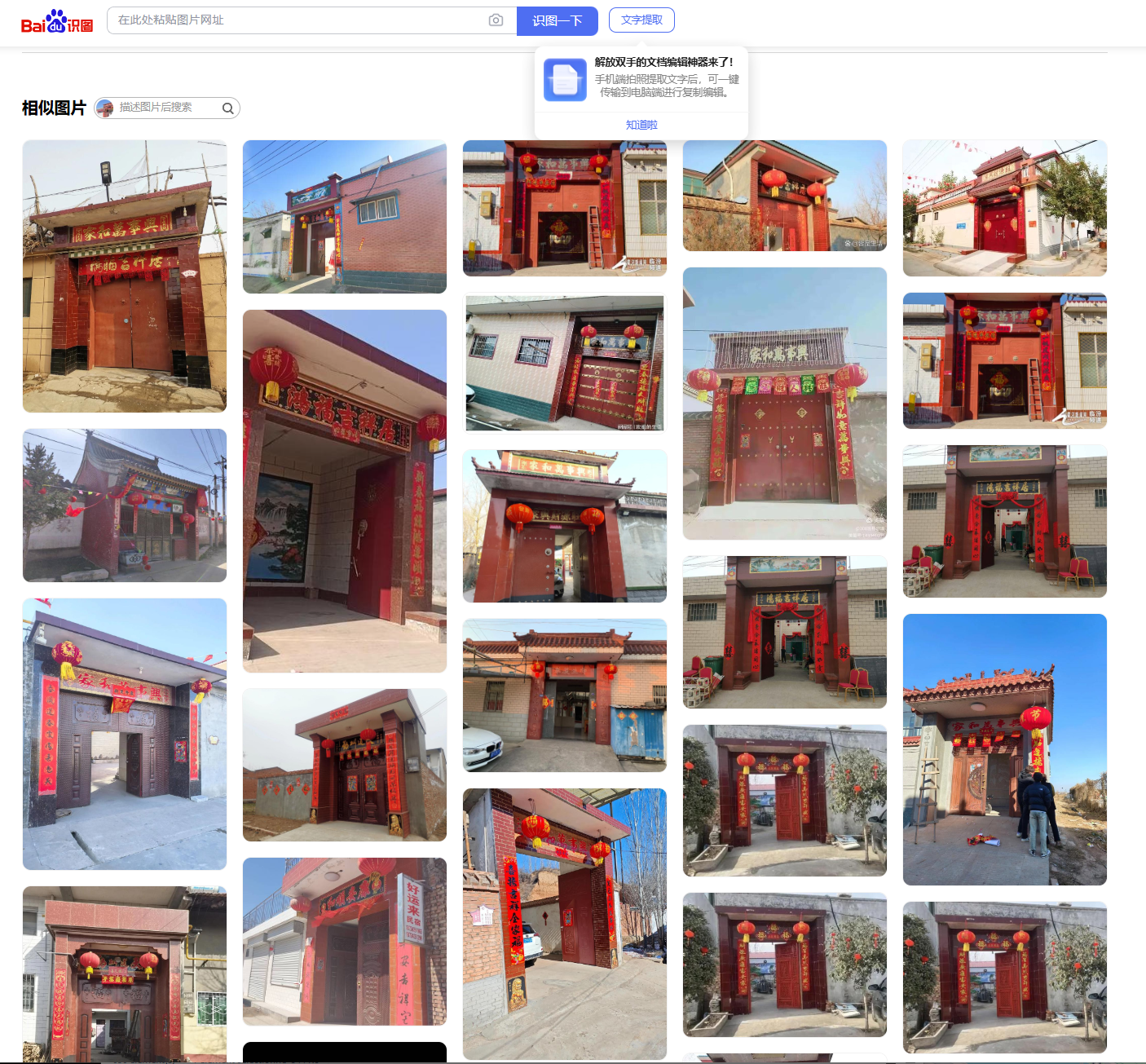
However, none of them is the place we're looking for.
I then tried to analyze the image to get clues about the location.
First of all, the challenge title "Chine Zhao" seems to be an important clue. Zhao was one of the seven states that made up ancient China around 400 BC. And Handan was its capital.
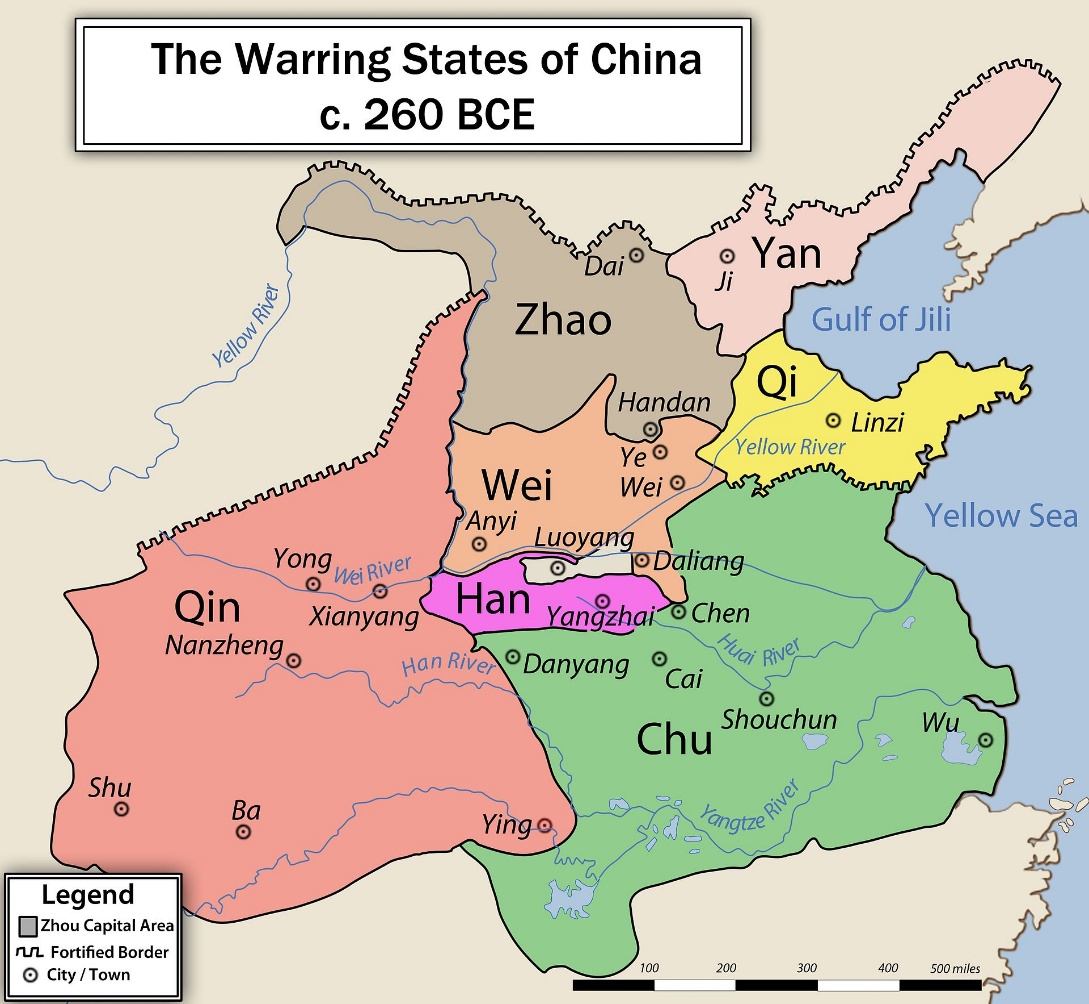
We find the city of Handan on the map. Handan was the city of the first challenge.
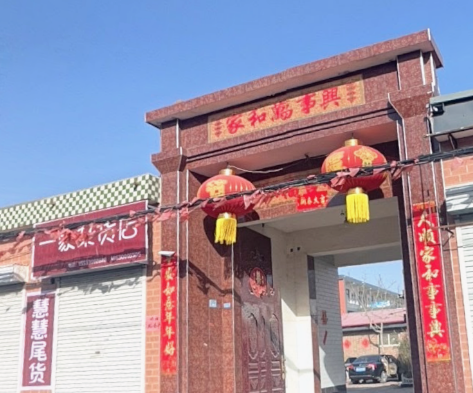
I then analyze the details of the original image. We can see a statue in front of the building:
Here are the important details noted while observing the photo:
- Traditional lanterns: Typical for celebrating the new year.
- License plate: The blue color confirms the location is in China.
- Red bricks: A very common building material in northern China.
- Topography: The terrain around the building appears particularly flat.
- Structure: A large massive building is present behind the gate.
- Architecture (Menlou): This gate is a Menlou (门楼), a very common architectural element in China.
- Inscriptions: Numerous Chinese texts are visible. I used Baidu's AI to get a translation and the meaning of the texts present.
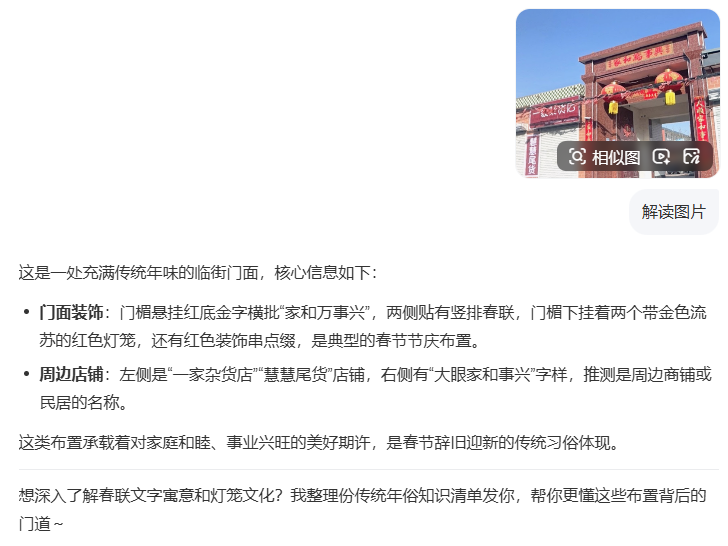
After a translation and a few minutes of photo editing, I get this summary:
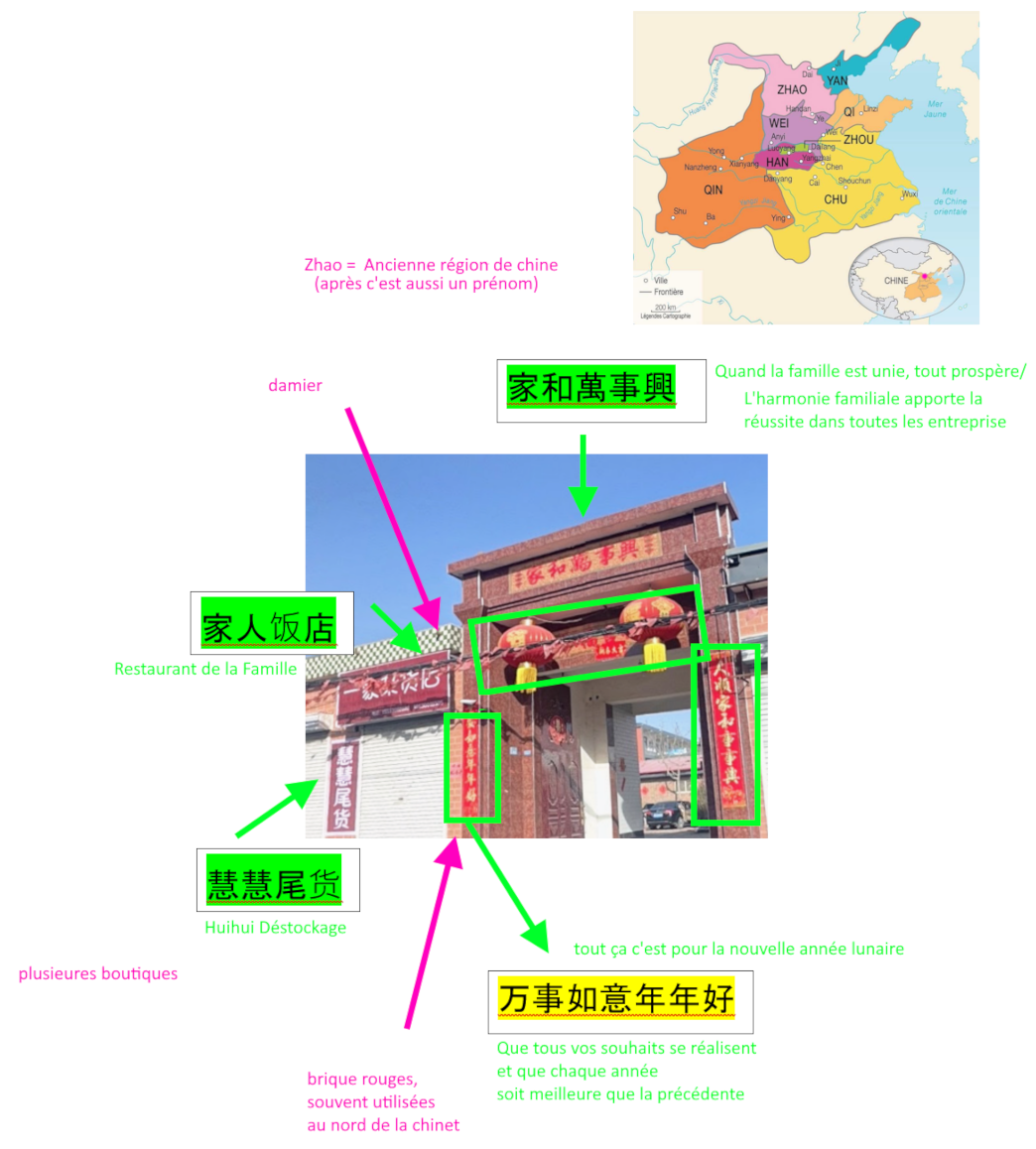
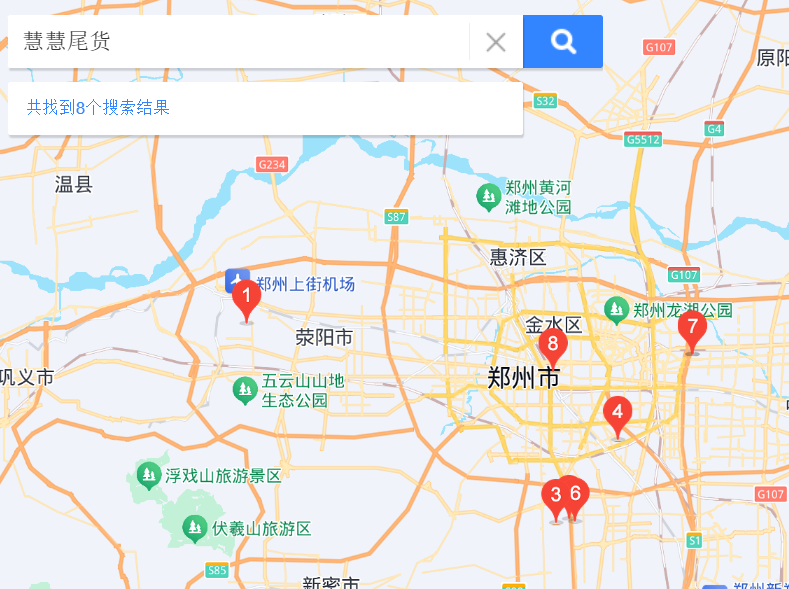
I then tried to search for HuiHui Déstockage and the other keywords in Baidu Maps, but the search wasn't precise enough and I only got false positives.
So I tried something else: 邯郸市 家和萬事興
I search the city of Handan for the following proverb: "When the family is united, everything prospers."
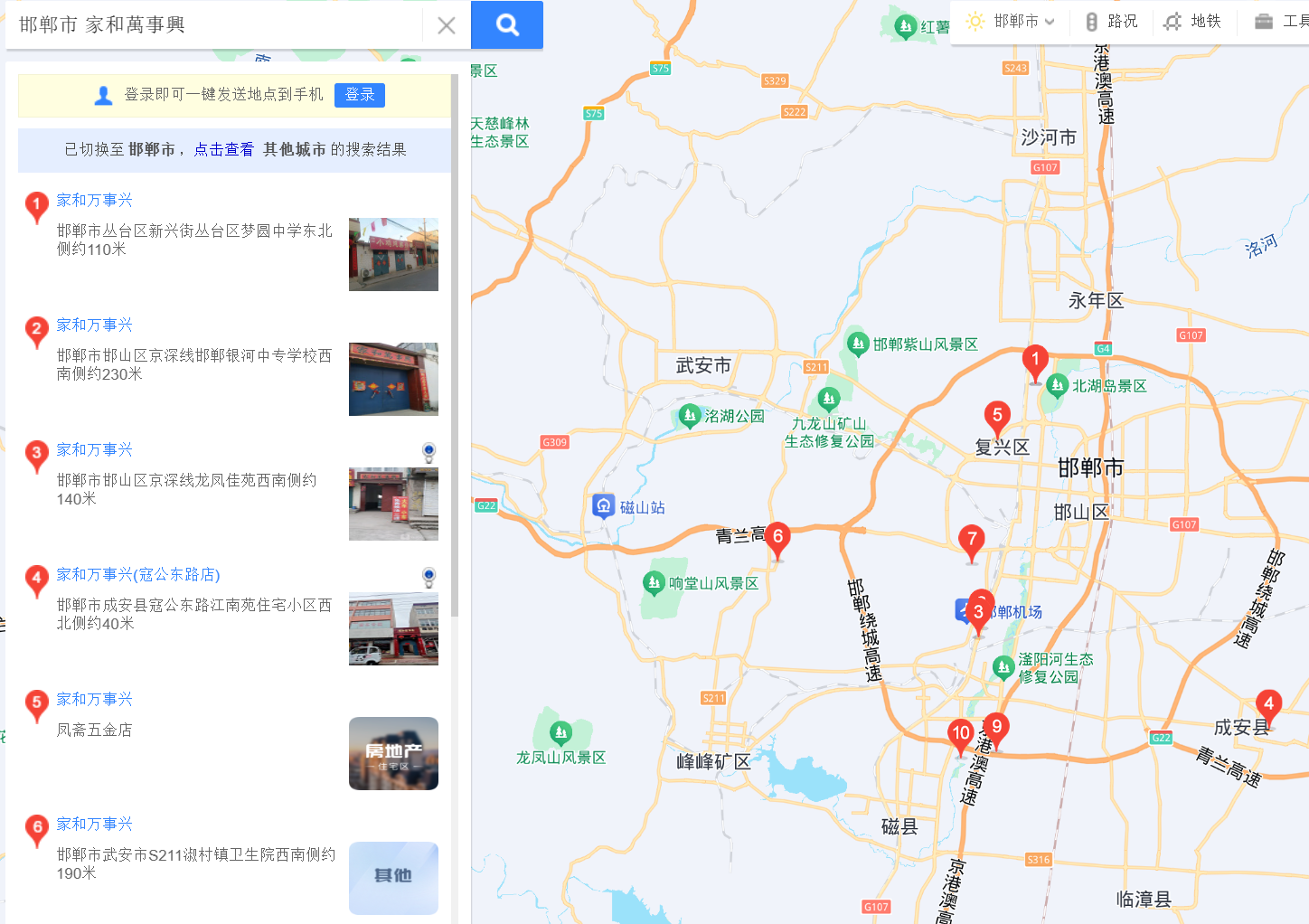
I get 10 results, but after analyzing each of them, I couldn't locate the photo. I spent more than 5 hours comparing photos, streetview-type views on Baidu Maps, without success.
The next day, with fresh eyes, I restarted the geolocation from another angle. In previous challenges, I had obtained the killer's route on Strava. However, I had only looked at the arrival point. The starting point might also hold clues.
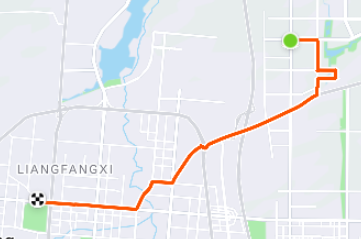
So I locate the starting point in Google Maps:
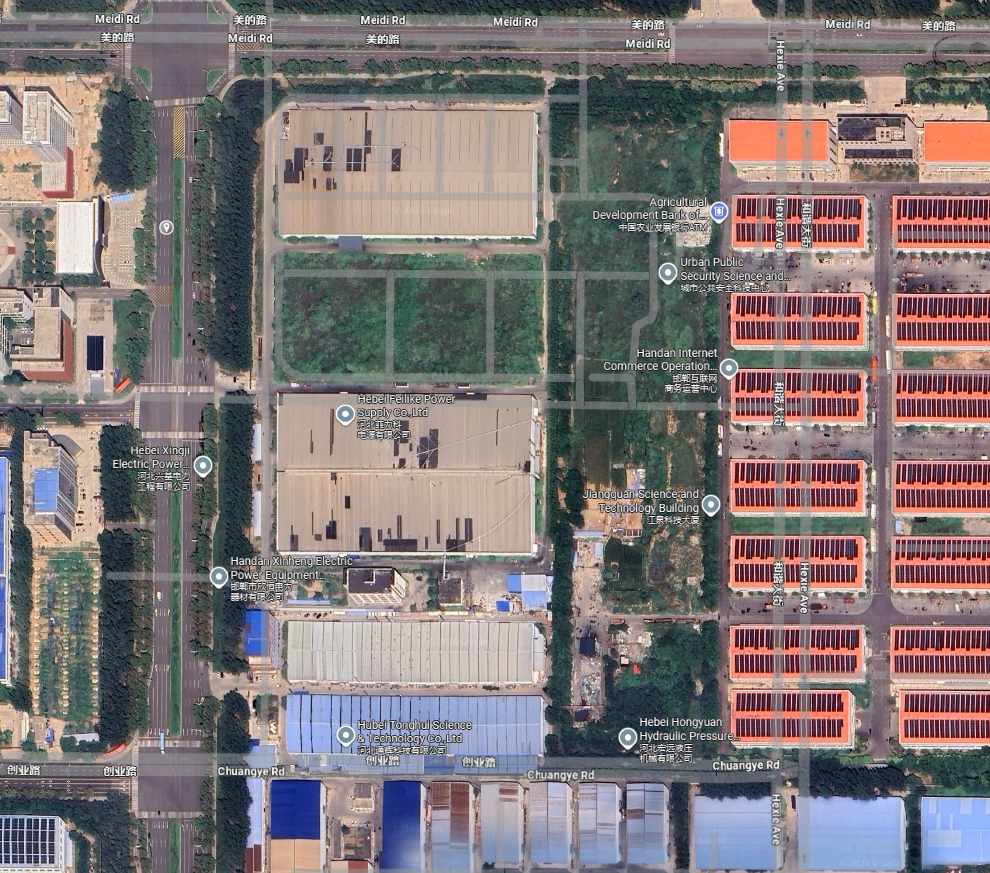
Coordinates: 36.675199, 114.561075
When going to the precise starting location, Google Maps suggested photos via the "discover" option.
The StreetView preview strongly resembles our photo! And indeed:
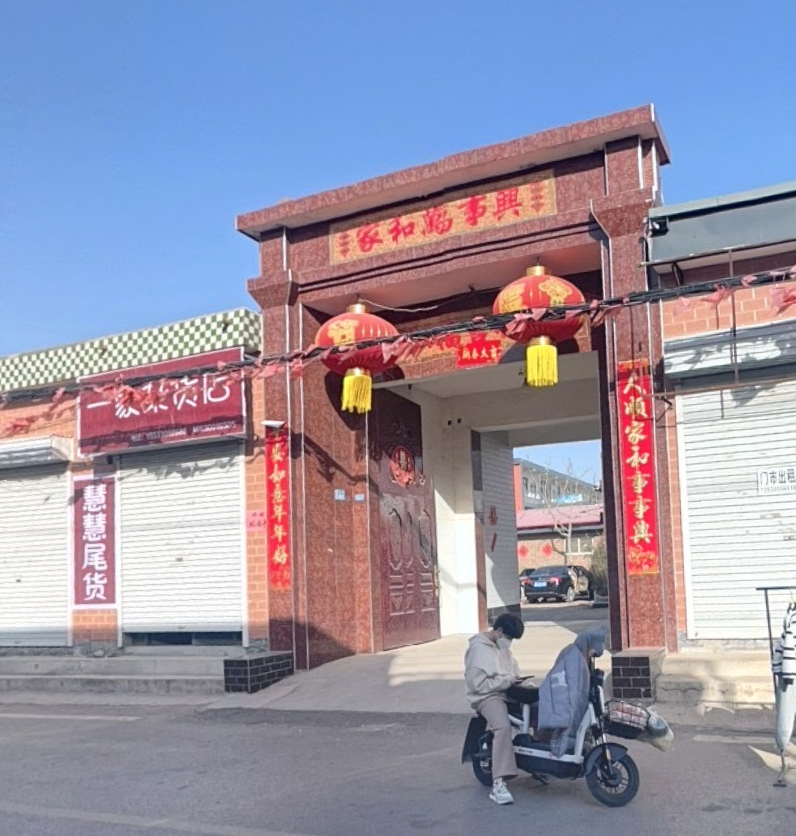
It's the exact same photo.
Now there's only one thing left to do: find the flag. The format specified in the instructions is peculiar: MCTF{XXXX+XXX}. So the flag isn't coordinates, nor the name of the place. After some research, I discover that this is the syntax used in Google Maps Plus Codes.

To get this plus code, I need to position myself exactly where the photo was taken.
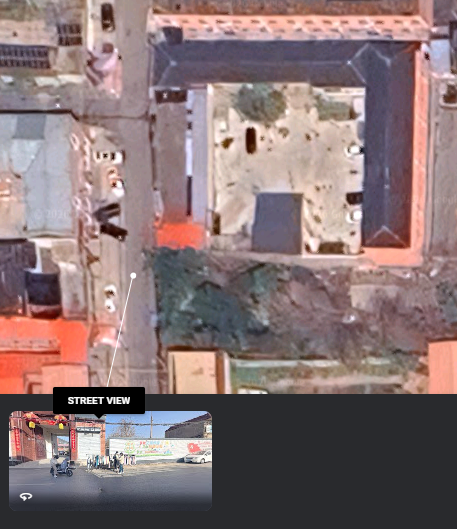
A shift of a few meters can change the Plus Code, because to get it, you need to search for the precise coordinates in the search bar. After a few attempts, I manage to get the exact location:
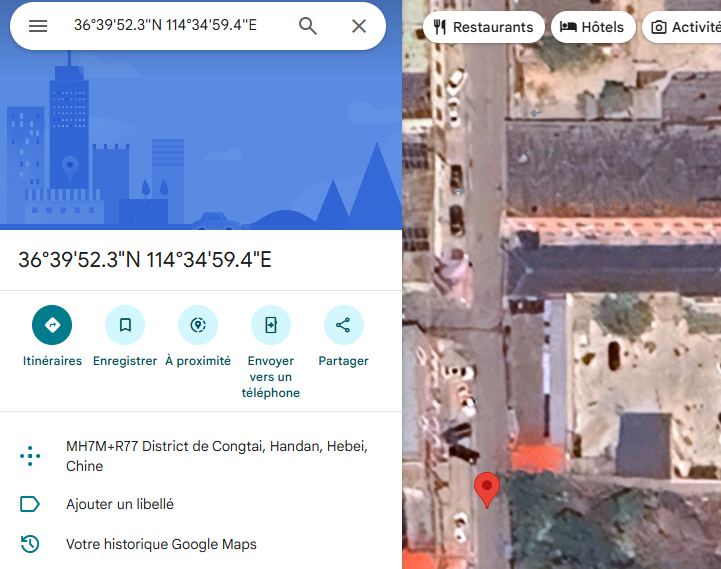

Flag